iView Aliapp
一套高质量的支付宝小程序 UI 组件库,基于 iview-weapp 转换而来,适配支付宝小程序平台。

• Copy the embed code to showcase this product on your website
• Share on X to spread the word about this amazing tool
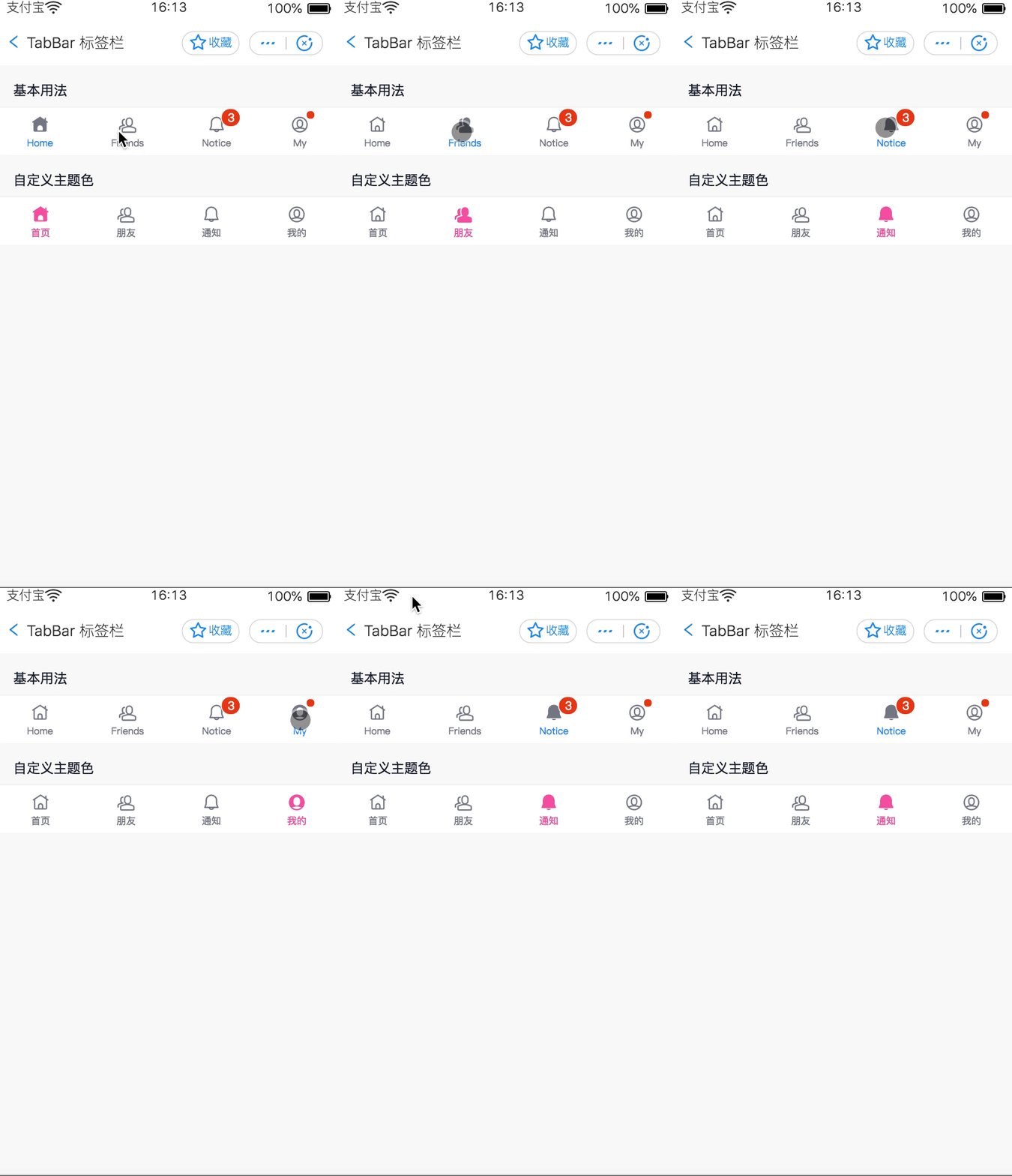
Github: https://github.com/ant-move/iView-Aliapp# iView alipay### 一套高质量的支付宝小程序 UI 组件库> 使用 Antmove 小程序转换器基于 iview-weapp 转换得到。## 文档* iView Aliapp 文档* iView weapp 文档> 大部分组件都保留了原有的用法,只有一两个做了少许的改动。支付宝版本文档近期推出。## 快速上手### 使用之前在开始使用 iView alipay 之前,你需要先阅读 支付宝小程序自定义组件 的相关文档。### 如何使用下载 iView 的代码,将 dist 目录拷贝到自己的项目中。然后按照如下的方式使用组件,以 Button 为例,其它组件在对应的文档页查看:1. 添加需要的组件。在页面的 json 中配置(路径根据自己项目位置配置):json"usingComponents": { "i-button": "../../dist/button/index"}2. 在 axml 中使用组件:html<i-button type="primary" onClick="handleClick">这是一个按钮</i-button>### 预览* 支付宝小程序 * gif 效果图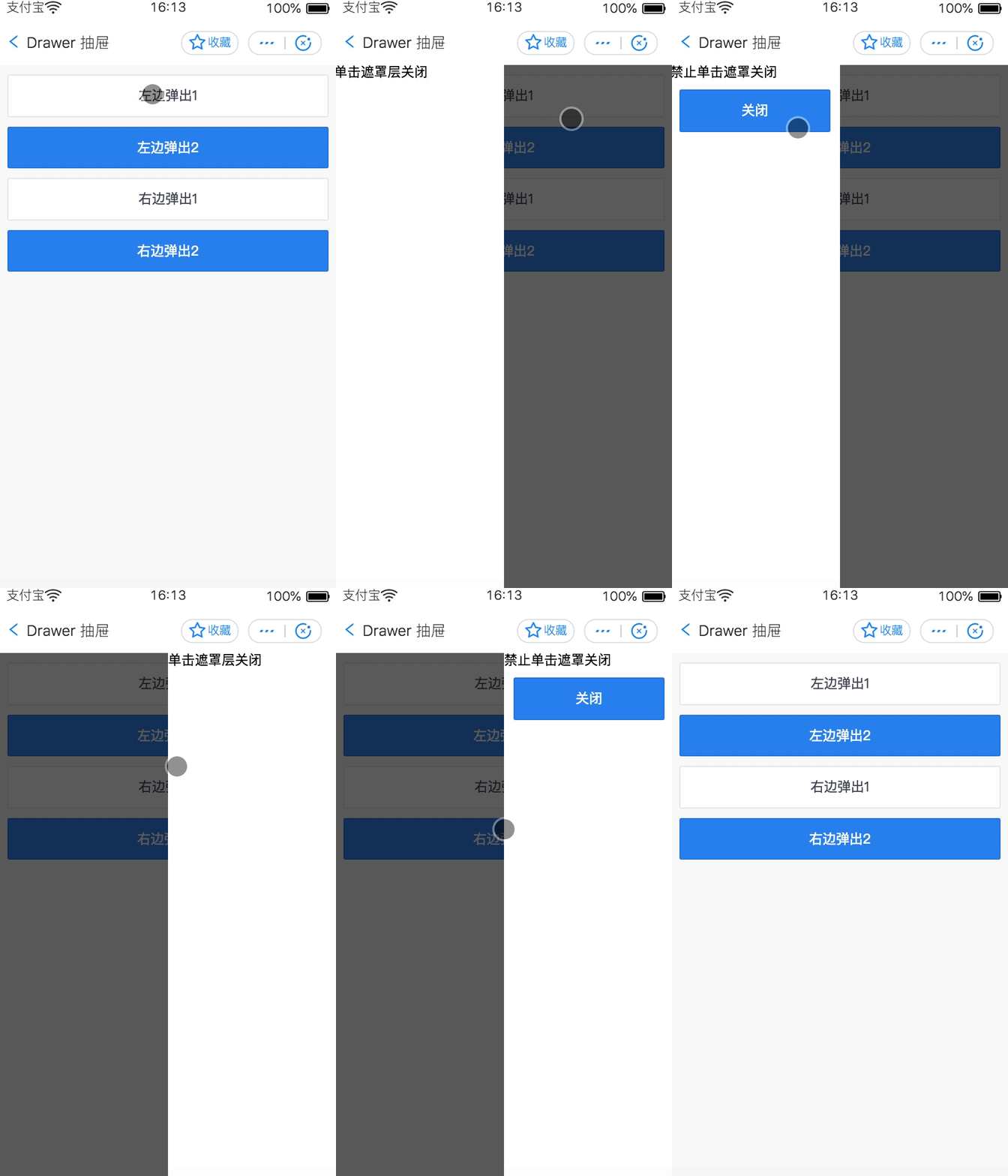
 ### IDE 预览下载本项目到本地,使用支付宝 IDE 打开 iview-alipay 即可预览。> 预览时请在项目详情设置中开启
 component2 编译,详情可参考支付宝小程序自定义组件使用介绍。# 联系如果您在使用的过程中碰到问题,可以通过下面几个途径寻求帮助。* 钉钉微信交流群: 
 * 邮件:amap-appx@service.autonavi.com## LicenseMIT## 感谢感谢 TalkingData 团队对 ivew-weapp 的贡献,本项目基于 iview-weapp 转换而来,并做了支付宝小程序平台的适配兼容。