Idol Max- Image to 3D
idolmax.net
Image to 3D for showcases: turn one product or character photo into an interactive GLB viewer and looping 360° GIFs for portfolios and listings.
Visit website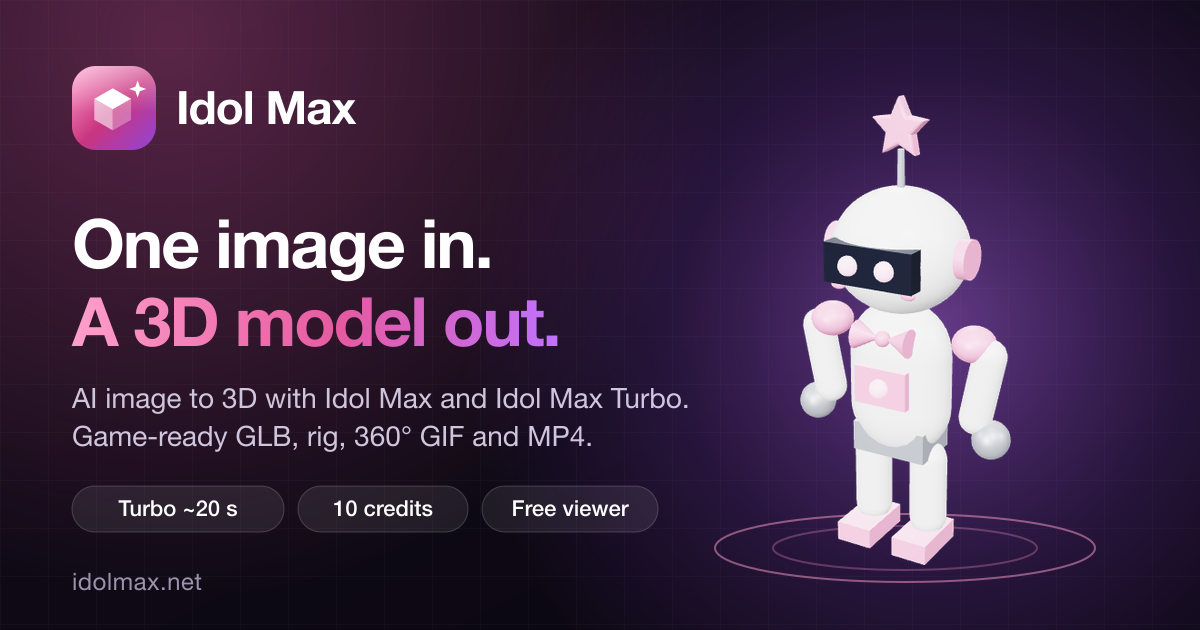
Idol Max- Image to 3D
Showcasing 3D work usually begins with hours of modeling, but Image to 3D can turn a single picture into a presentable model in about 20 seconds on the Turbo option. Idol Max, the service behind it, returns a GLB file that you can orbit, light and export as a looping 360° GIF or video. For designers, illustrators and portfolio owners, the appeal is simple: one image in, one shareable 3D object out. That simplicity is why Image to 3D works well for portfolio work, and an Image to 3D preview also shows how a flat concept reads in three dimensions before you commit to a full model.
Why portfolios need Image to 3D
A portfolio that shows an object from several angles is more convincing than a flat render. Image to 3D lets you build that angle set quickly: one clean picture of a product, character or sculpture becomes a GLB with UV coordinates and a 2K base texture, ready to rotate in the browser. Because the Turbo model finishes in about 20 seconds, you can run many Image to 3D experiments in one session and keep only the strongest results for your gallery.
Interactive viewers for Image to 3D product and portfolio pages
Viewers are easier to judge when people can rotate an object themselves. The Idol Max viewer supports orbit, zoom and pan, four lighting presets, and solid, gradient or transparent backgrounds. You can switch between textured, clay and wireframe display modes to show form and surface separately. Pair each Image to 3D model with a short caption that explains the source picture, so visitors understand what they are looking at and which Image to 3D workflow produced it.
360° loops from each Image to 3D model
The turntable export creates a looping 360° GIF, MP4 or WebM in your browser, and browser exports cost no credits. Use the loop for posts, thumbnails and project pages. Keep the source picture clean, because an Image to 3D model reflects the quality of its input, including reflections, cast shadows and clutter behind the subject. A clean Image to 3D source usually produces a cleaner loop as well, so check the source before each Image to 3D export.
Turbo or Idol Max for showcase Image to 3D work
- Turbo: an Image to 3D run of about 20 seconds for 10 credits, with color projected from the 3D shape.
- Idol Max: an Image to 3D run of about 50 seconds for 20 credits, with base color repainted from your image.
Turbo suits quick studies, when you need several Image to 3D models in a short time. Idol Max keeps finish details closer to the original, because it repaints the base color from your picture. Both return the same files, so you can prototype each Image to 3D idea with Turbo and spend 20 credits on Idol Max only for the pieces you plan to publish.
Matching a showcase set
A consistent showcase set makes every Image to 3D model easier to compare. Shoot the source pictures for every Image to 3D model with the same light, use the same background color, and keep the subject centered. Run each picture through the same model, Turbo or Idol Max, so the results stay comparable. Use the same viewer background for every model so visitors compare form rather than styling. Name each Image to 3D export clearly and keep the GLB masters in one folder, so you can reuse them without repeating an Image to 3D job.
Common mistakes in Image to 3D showcase work
Most weak results come from the input. Avoid busy backgrounds, harsh reflections, cropped edges and several subjects in one frame. An Image to 3D run that starts from a blurred photo will show that blur in the mesh and texture, so use the sharpest version you have. Test a sample image on the site first to see what a good Image to 3D result looks like before you spend credits on your own work.
Pricing for an Image to 3D showcase library
Credit packs start at $10 and never expire, so you can buy once and spread the spend across a long showcase. A basic Turbo model costs 10 credits, which means the $10 pack covers about 40 Image to 3D studies. Failed Image to 3D generations are refunded, and rigging or PBR maps are paid add-ons you can skip. Start your first Image to 3D model when your source picture is ready.
| Pack | Credits | Turbo models (approx.) |
|---|---|---|
| $10 | 400 | 40 |
| $25 | 1,250 | 125 |
| $50 | 3,000 | 300 |
| $100 | 7,000 | 700 |
Frequently asked questions about Image to 3D
Q: How much does Idol Max cost?
A: Credit packs start at $10 and never expire. A Turbo Image to 3D model costs 10 credits and an Idol Max model costs 20, while rigging and PBR maps are small add-ons.
Q: Should I pick Turbo or Idol Max?
A: Pick Turbo for speed and iteration, and Idol Max for the final quality pass. Both return the same files, so you can switch between them for each Image to 3D project.
Q: What happens to my images and models?
A: The site says your image is sent to fal to build the model and is not stored by IdolMax. Finished models are kept for 30 days, or 365 days once you have bought credits, and you can delete them at any time in My Models. Every Image to 3D file stays manageable there.
Q: Is this the official site?
A: No. IdolMax.net is an independent tool that uses Idol Max and Idol Max Turbo through the fal API. It is not affiliated with fal or SperidLabs, so credit that when you share an Image to 3D result.
Next steps
Choose a clean product photo, run one Turbo test, and review the result in the viewer before you publish. When the design holds up, run the final version through Idol Max. Then build the full set, because a series of Image to 3D models with matching lighting and backgrounds makes a showcase feel consistent. Ready to start? Explore Image to 3D and upload your first picture.